
Open or claim your salon
Create a new salon or request management of an existing directory listing.
Before you start
Sign in and confirm that you own the business or are authorized to manage it.
Open your salonsStep by step
Look for the salon first
Check your salons and search the existing directory before creating another listing for the same business.
Enter the new salon details
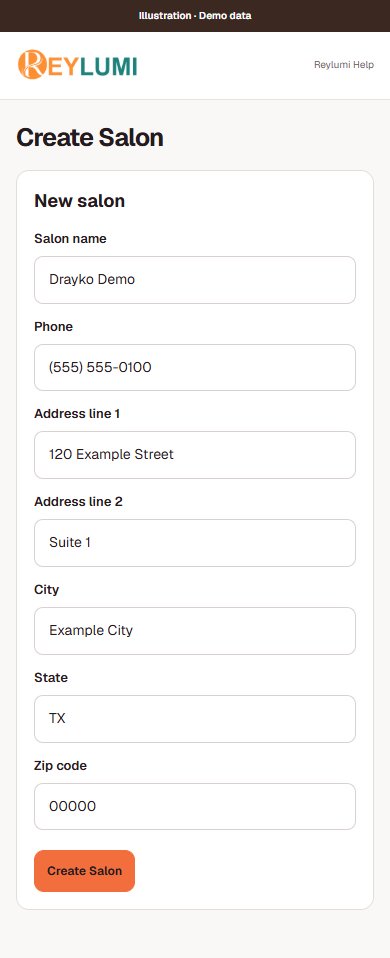
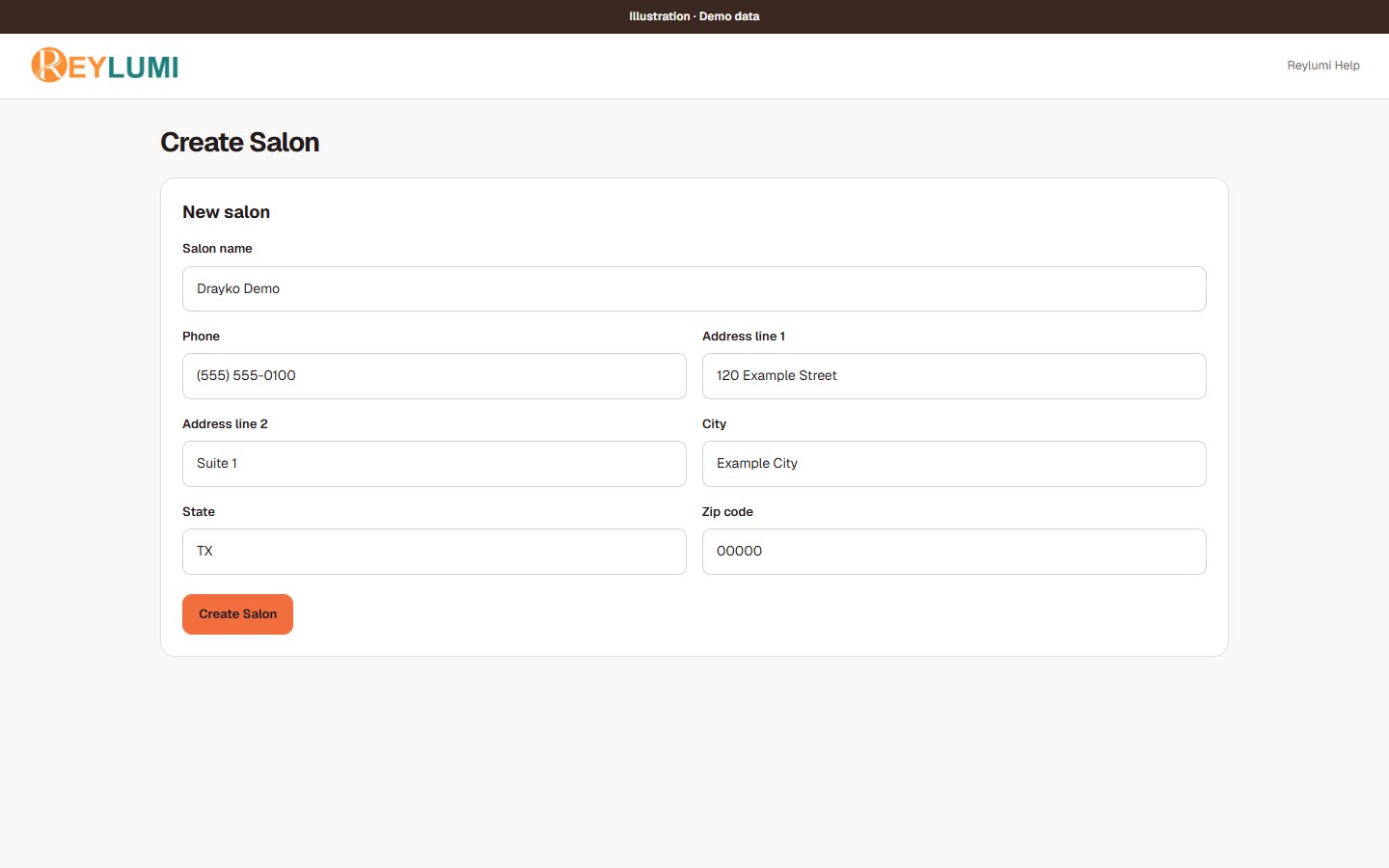
Open Create Salon and enter the salon name. Phone and address fields can be left blank when optional. Select I also work as staff at this salon only if you want a staff profile as well as Owner access.
Review existing salon matches
Wait for the existing-salon check. If your business is listed, use its claim option. If the check reports an error, stop and retry or contact support before creating another listing.
Verify an existing listing
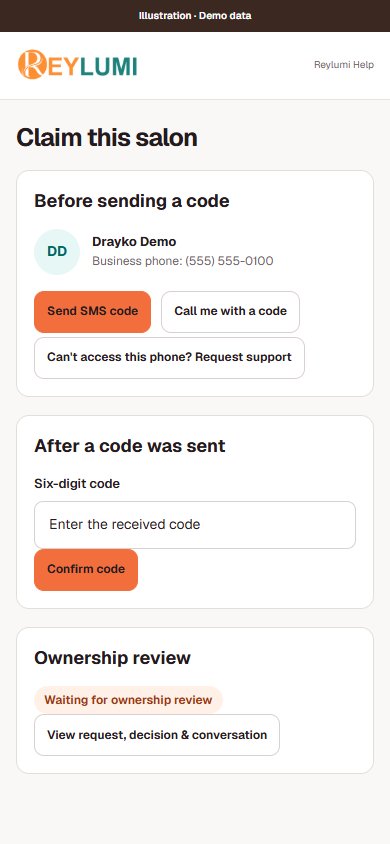
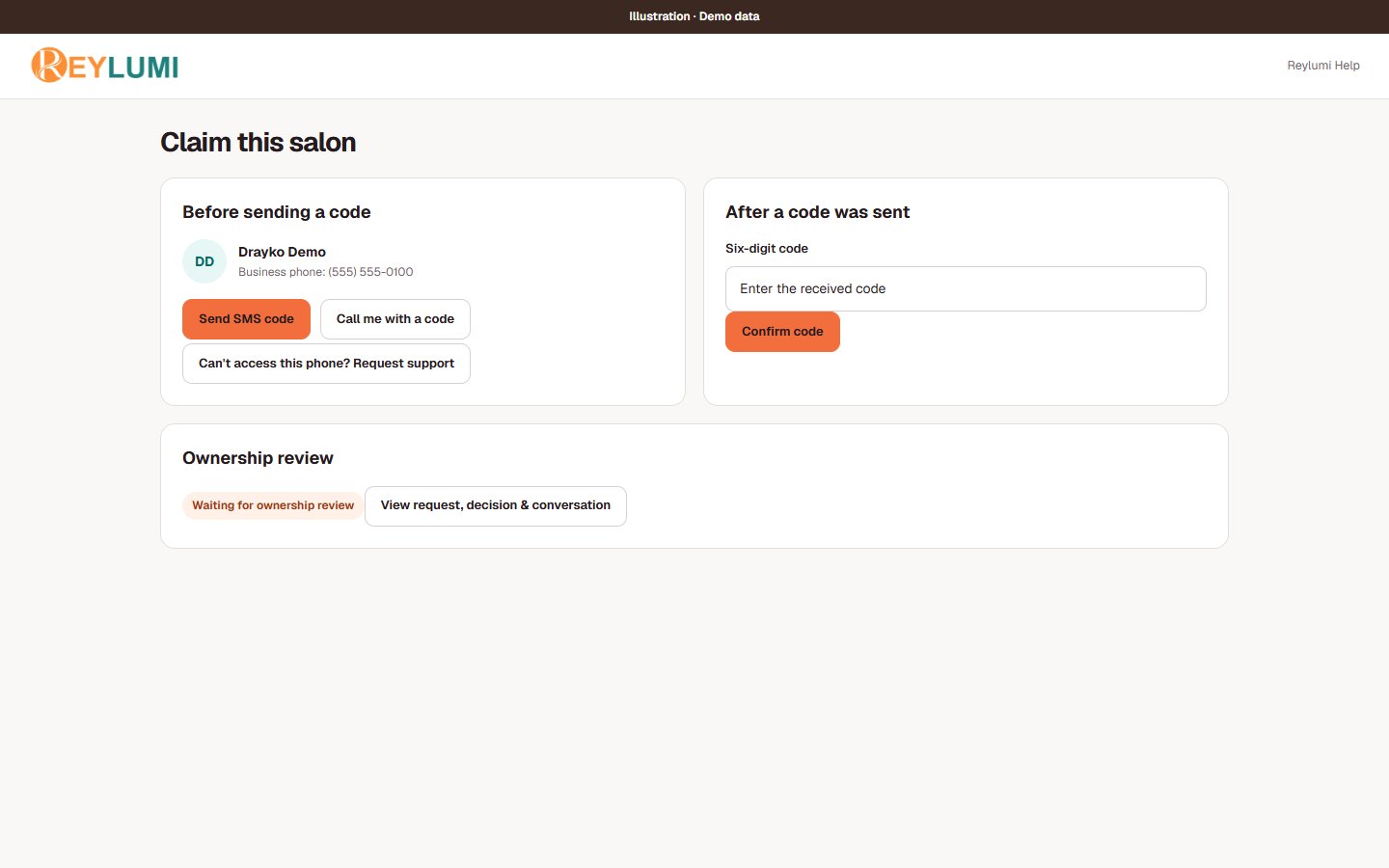
Check the listed business phone and confirm that you are authorized. Choose Send SMS code or Call me with a code only when enabled. After sending, enter the Six-digit code and choose Confirm code. If you cannot receive it, choose Can’t access this phone? Request support.
Wait for the actual outcome
A confirmed phone code may still require ownership review. Read the request status and continue the support conversation when more information is requested. Configure booking separately after management access is granted.
Detailed walkthroughs
Create a new salon or request an existing one
- Open Create Salon, enter the salon name and add the phone and address if available. Select I also work as staff at this salon only if you perform services.
- Wait for the existing-salon suggestions. Compare names and addresses. Use the claim option for the same business; create a new salon only when it is a different listing.
- For a claim, check the listed business phone and authorization statement. Use Send SMS code or Call me with a code if enabled, then enter the Six-digit code and Confirm code.
- If you cannot receive a code, choose Can’t access this phone? Request support. Follow the request status until access is granted; verification may still need ownership review.
Check the result: Your salon appears with Owner access. Then continue to Services, Staff and Bookings setup before sharing a booking link.
Example: Drayko Demo already exists at the same address: request that listing instead of making “Drayko Demo 2”.
If something goes wrong
- Could not check existing salons: the lookup did not complete. Optional blank phone/address fields are not by themselves a reason to create duplicates. Retry later or send the exact error to support.
- A code sent or a request submitted does not yet mean Owner access was granted.
Details and common questions
- Do not create duplicate salons when an existing-salon check fails. Retry later or send the error to support.
Screen illustrations