
Help language
← Back to all guidesStart with Reylumi
Find the right workspace for what you want to do.
Before you start
You can browse public profiles before signing in. Account and salon tools have their own access requirements.
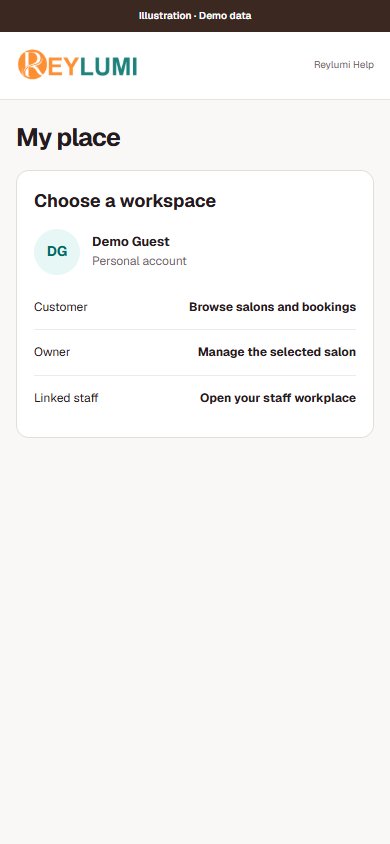
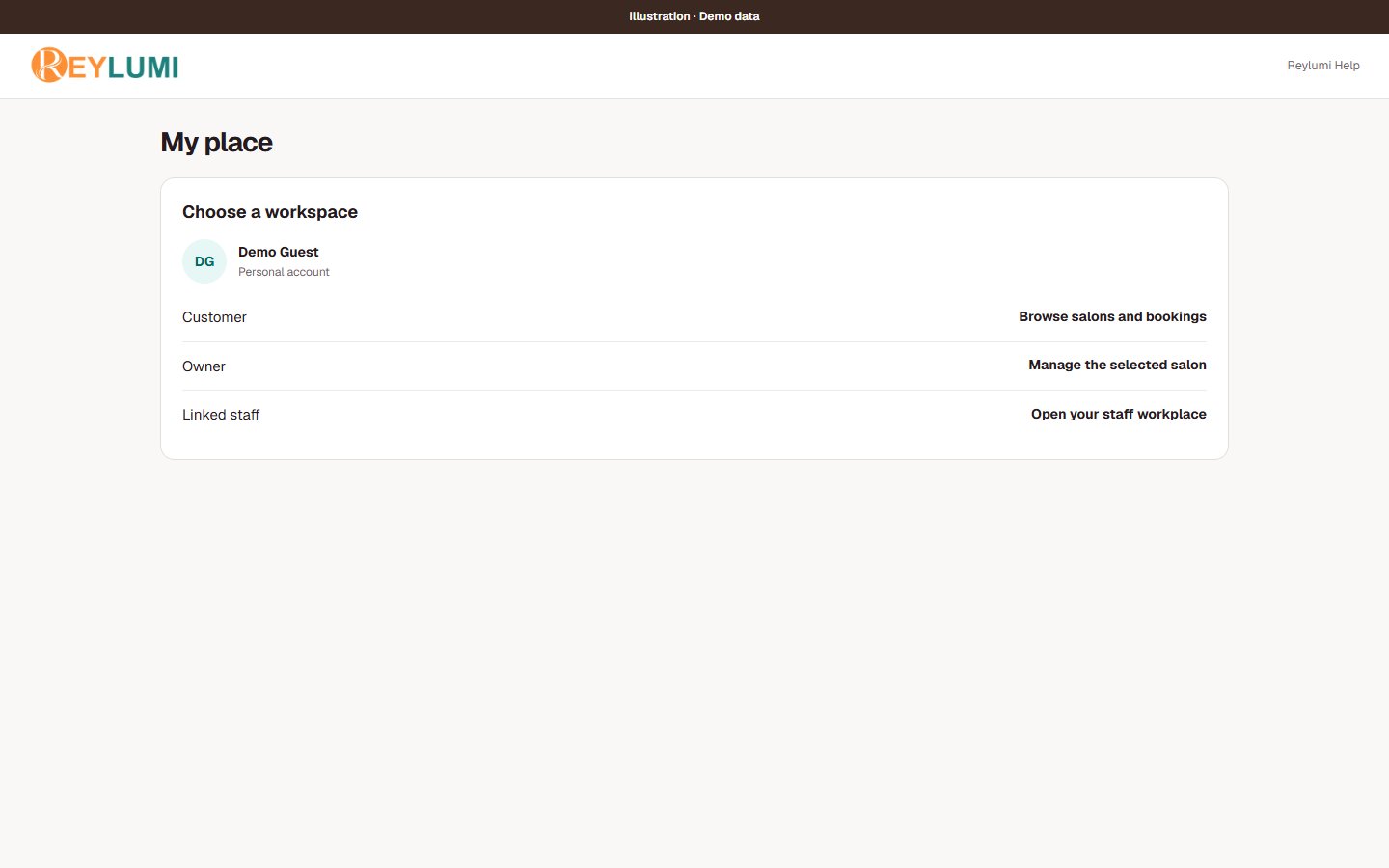
Open My placeStep by step
Choose your role
Customers discover salons and manage their bookings. Owners set up a salon and oversee its work. Linked staff use their own work area.
Check the selected salon
Before changing services, staff, tickets or reports, check that you are working in the intended salon.
Start small
Use the quick start for your role, then open a detailed guide when you need it. Some tools depend on permissions or an installed plugin.
Detailed walkthroughs
Find the right place to start
- For a personal visit, start with Explore and My bookings. For salon management, first select your salon in My place.
- For your own shifts and earnings, use Staff Daily after your account has been connected to an active staff profile.
Check the result: You see the intended salon and the tools for your role.
Example: A salon owner who also performs services needs both Owner access and a staff profile to appear in staff work and pay.
If something goes wrong
- A missing tool can mean a different selected salon or a missing permission. Creating a second account does not fix that connection.
Screen illustrations